Anbieter: Industrial Monitor Direct
Free-Standing VESA Desk Stand for Monitors & Panel PCs, 4-Level Height Adjustable, Tilt, Swivel & 360° Rotation, VESA 50/75/100, Up to 77 lb
Beschreibung
Installation Accessory / Desk Mounting
Free-standing VESA desk stand for industrial monitors and panel PCs
A weighted, height-adjustable desk stand that puts a touchscreen monitor or panel PC at a comfortable working height without drilling a wall, clamping a desk edge or cutting a panel. It accepts VESA 50x50, 75x75 and 100x100 mounting patterns, carries displays from 13" to 32" up to 77 lb (35 kg), and sets the VESA plate at one of four heights between 12.2" and 16.6" above the work surface.
The display tilts, swivels and rotates a full 360 degrees for landscape or portrait use, and the open-top VESA plate lets you hang the unit on the stand and lift it off again for service. A 1/3" tempered safety glass base with anti-slip feet keeps it planted on a bench, desk, counter or cart.
- VESA 50 / 75 / 100
- 13" to 32" displays
- 77 lb (35 kg) capacity
- 4 heights, 12.2" to 16.6"
- Tilt, swivel, 360° rotation
- No drilling or clamping
Fits IMD displays
Mounts IMD touchscreen monitors and panel PCs with a VESA 50x50, 75x75 or 100x100 pattern on the rear cover, up to 77 lb. Check the VESA pattern and weight on your unit's specification sheet or 2D drawing before ordering.
Four mounting heights
The VESA plate locks at 12.2", 13.6", 15.1" or 16.6" above the desk, about 1.5" between positions, so the screen can sit at eye level for a seated operator or lower for a standing one.
Full articulation
-15° to +10° tilt reduces glare and suits a touch angle, -50° to +50° swivel turns the screen toward a second operator, and 360° rotation switches between landscape and portrait.
Stable glass base
An 11.8" x 7.9" base of 1/3" tempered safety glass with anti-slip rubber feet holds the display steady during touch input.
Open-top VESA plate
Attach the plate to the display, then hang the display on the stand. A safety lock and tool-free tilt knob hold it in place, and the unit lifts off without tools when it needs service.
Tidy cable run
A cable clip on the center column guides power, USB and video cables from the display down to the base, keeping the workstation clean and cables clear of the touch area.
Mounting height positions
Height is measured from the desk surface to the VESA mounting plate. Choose the level during assembly; move the plate to another level at any time.
Level 1 (lowest) 12.2 in (310 mm) Level 2 13.6 in (345 mm) Level 3 15.1 in (384 mm) Level 4 (highest) 16.6 in (422 mm)Fit check before you order
So the bottom edge of the display clears the base, measure on the back of your display from the lowest VESA mounting hole down to the bottom edge of the housing. That distance should be less than:
VESA 100x100 11.7 in (297 mm) VESA 75x75 12.2 in (310 mm) VESA 50x50 12.7 in (323 mm) Display weight 77 lb (35 kg) maximumKey specifications
Mounting patterns VESA 50x50, 75x75 and 100x100 mm Screen size range 13" to 32" Load capacity 77 lb (35 kg) Height adjustment 4 positions, VESA plate at 12.2 / 13.6 / 15.1 / 16.6 in Tilt -15° to +10° Swivel -50° to +50° Rotation 360°, landscape or portrait Base dimensions 11.8 x 7.9 in (300 x 201 mm) Base material 1/3 in tempered safety glass with anti-slip rubber feet Stand weight 4.8 lb (2.2 kg) VESA plate Open-top slot plate with safety lock and tool-free tilt knob Cable management Cable clip on the center column Installation Free-standing; no drilling, clamping or panel cut-out Included Stand, VESA plate, mounting hardware and assembly tools Color Black Warranty 1 year SKU IMD-DESK-STAND-100Installation
- Fix the center column to the glass base and set the VESA plate at the height level you want.
- Screw the VESA plate to the rear of the monitor or panel PC using the 50, 75 or 100 mm hole pattern.
- Hang the display on the open-top slot, engage the safety lock and set the tilt with the knob.
- Route power, USB and video cables through the column clip. Assembly takes about 15 minutes.
Recommended uses
- Operator and HMI stations where a panel PC is used on a bench instead of a panel cut-out
- Test benches, QA and inspection workstations, and lab instruments
- Engineering desks for commissioning and software development before panel installation
- Reception, point-of-sale, check-in and self-service counters
- Temporary or relocatable setups on carts and shared desks where drilling is not an option
- Portrait dashboards, work-instruction and line-status displays
Frequently asked questions
How high is the display mounted?
The VESA plate sits 12.2", 13.6", 15.1" or 16.6" above the desk surface, depending on the level you choose.
Does it fit VESA 200x200 displays?
No. The plate accepts VESA 50x50, 75x75 and 100x100 patterns only.
Can the screen be used in portrait?
Yes. The plate rotates 360°, so the display can run in landscape or portrait.
Do I need to drill or clamp anything?
No. The stand is free-standing on its glass base and needs no desk clamp, wall anchor or panel cut-out.
Will my IMD panel PC fit?
If it has a VESA 50, 75 or 100 pattern, weighs under 77 lb and passes the clearance check above, it fits. Send us the model or SKU and we will confirm.
Das könnte dir auch gefallen
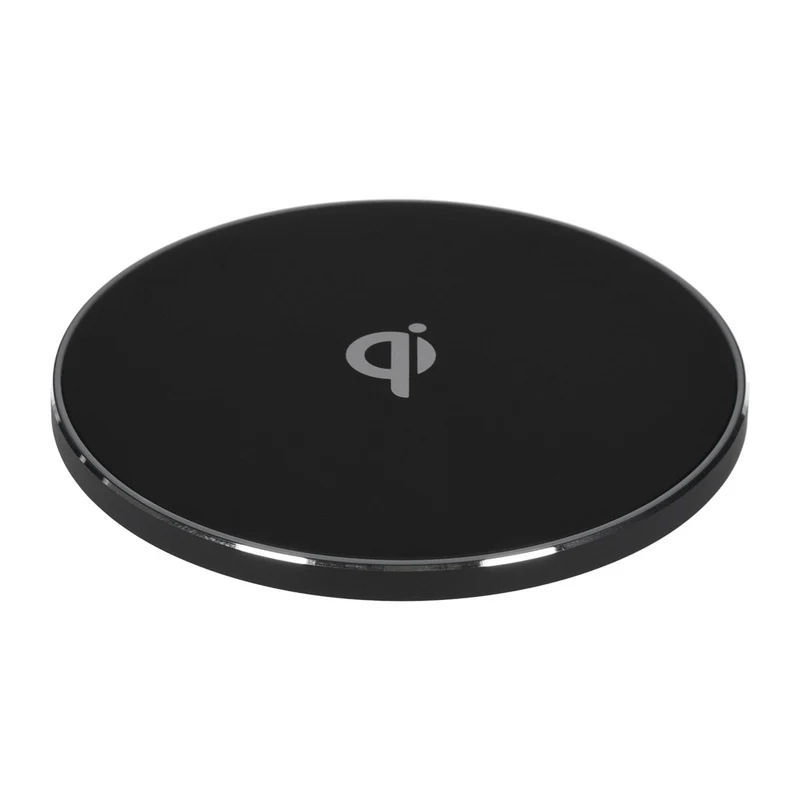 Im AngebotInduktive Qi Ladestation universal mit Micro-USB Anschluss 10 W schwarzSwipe
0,99 €0,54 €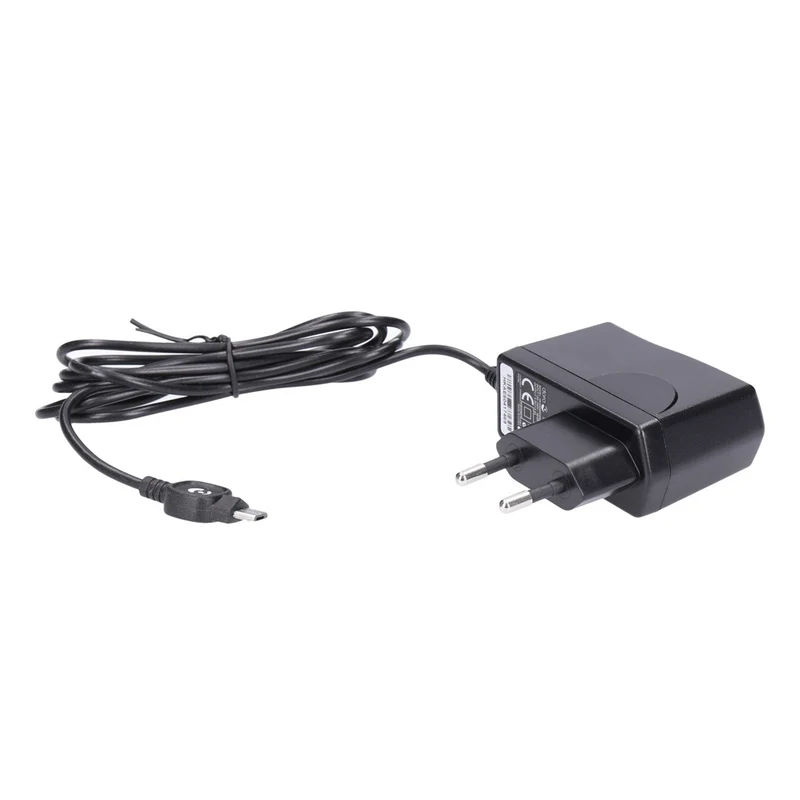 Im AngebotDoro Netzteil 5V 0,6A schwarz Switching Power Adapter bulkDoro
0,99 €0,69 €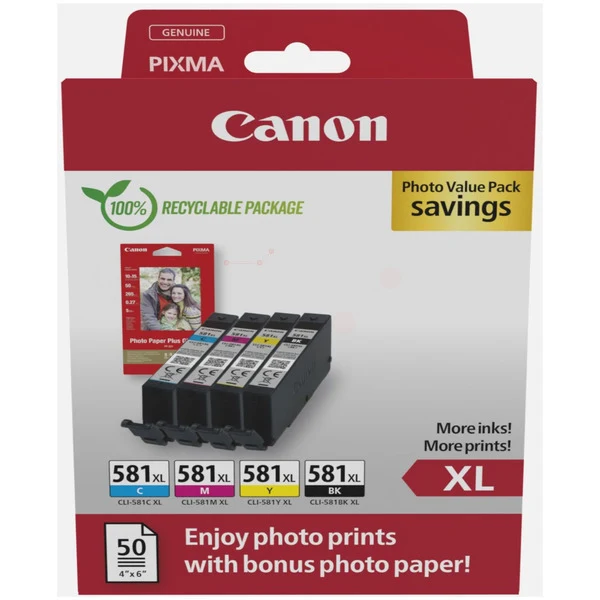 Im AngebotOriginal Canon CLI-581XL Tintenpatrone 4er-Set Bk,C,M,Y + Fotopapier 50 BlattCanon
68,95 €39,85 €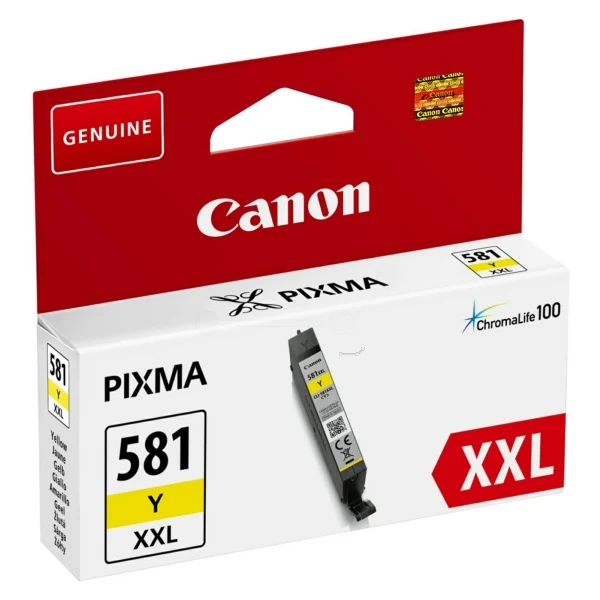 Im AngebotOriginal Canon CLI-581XXL Tintenpatrone gelbCanon
24,95 €13,95 €